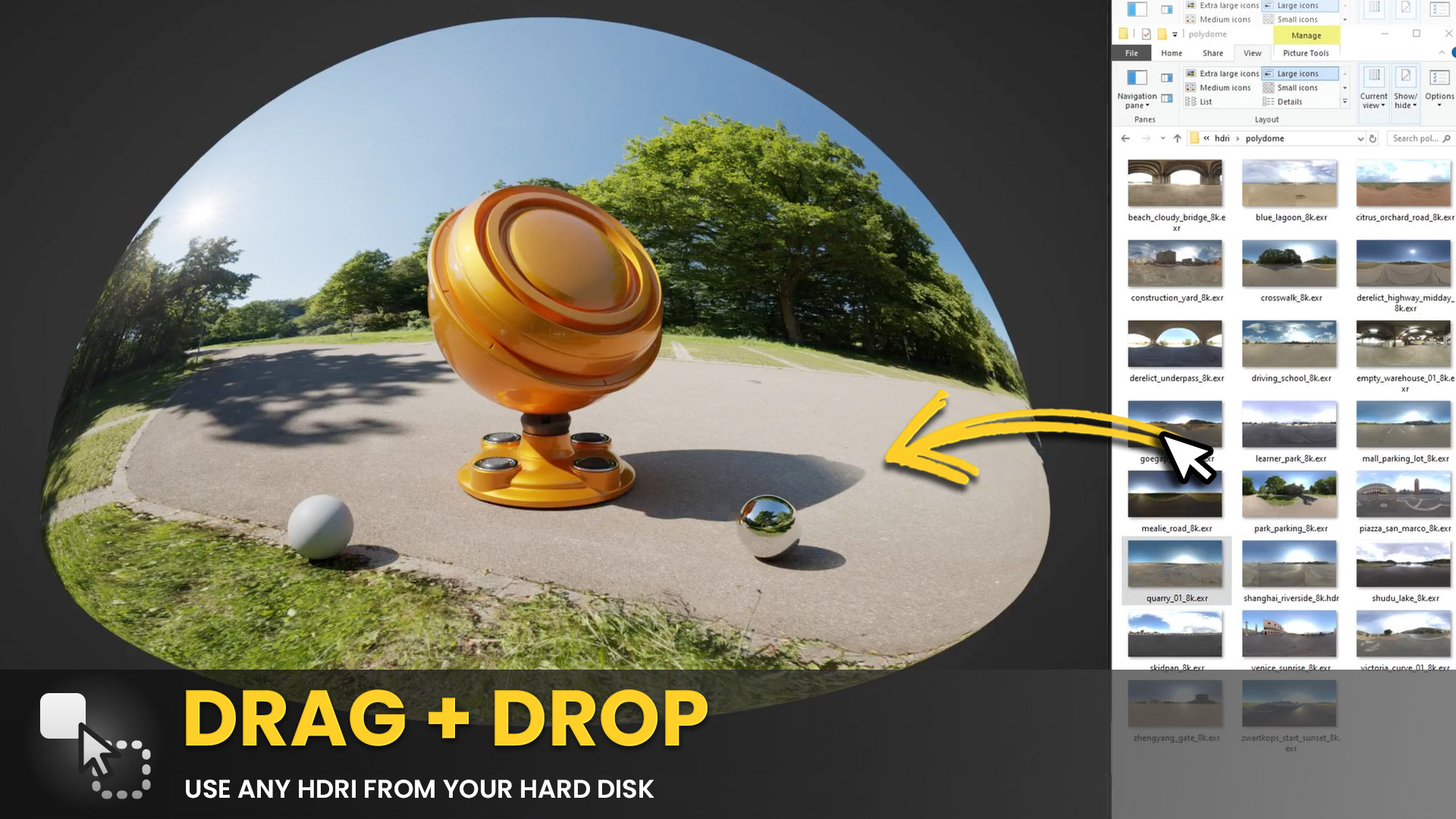
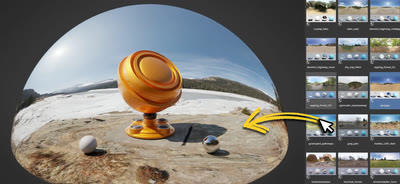
Drag & Drop HDRIs
Drop an HDRI in, and PolyDome builds the dome around your scene.
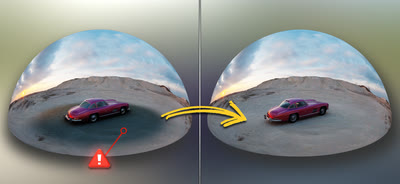
Matching Floor
The floor matches the HDRI, with real shadows and reflections of your objects.
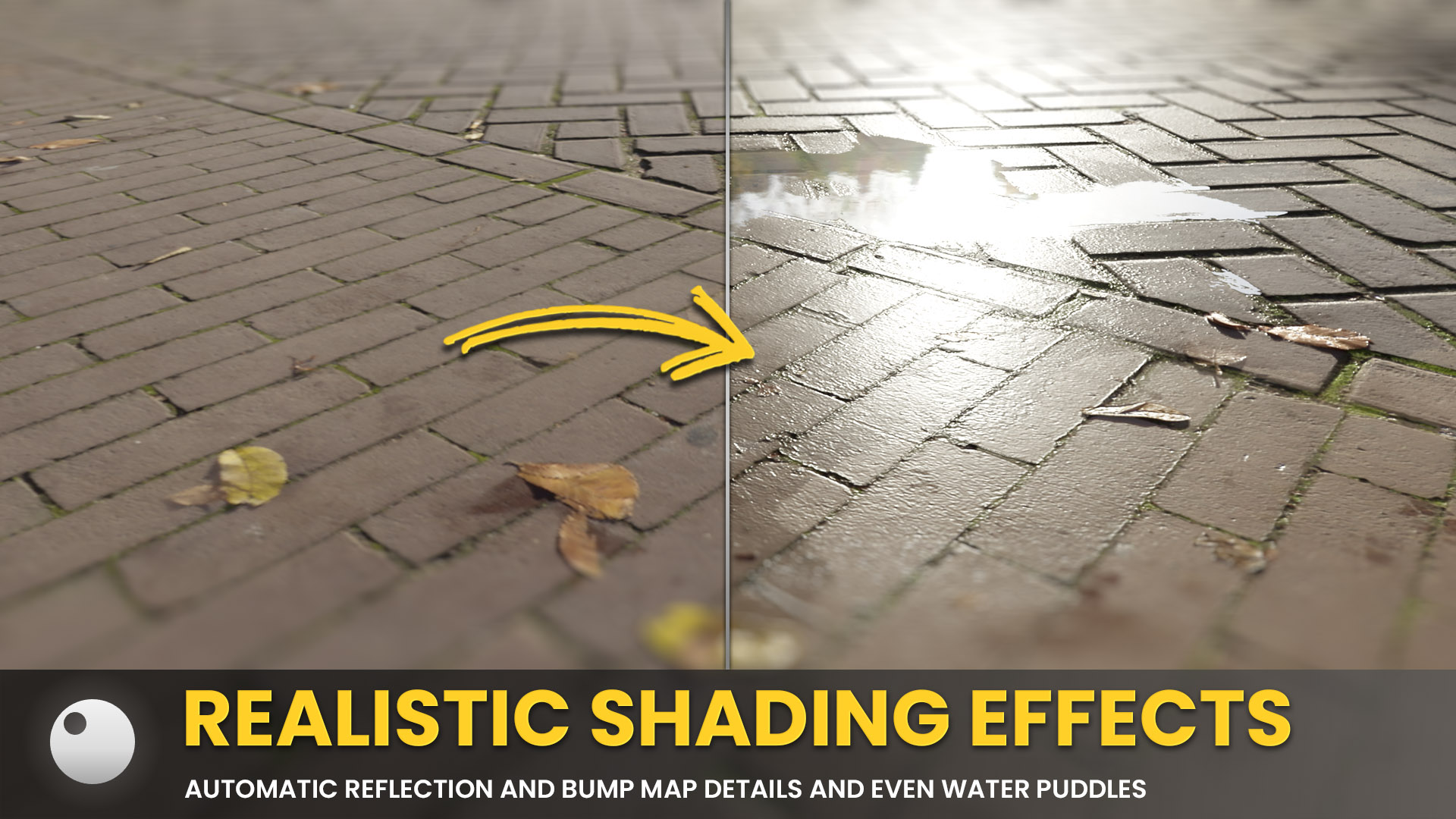
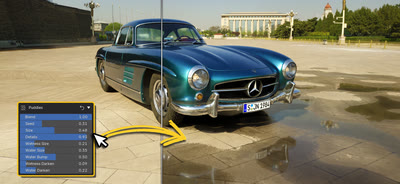
Water Puddles
Procedural puddles add wet detail to any ground.
Included: a full tutorial video that shows every feature in action, step by step ▶ Watch it
Poly Haven
Access 1,800+ free HDRIs directly in Blender with resolution control.
Save $20+ with PolyDome ↓
Asset Browser
Browse, preview, and load HDRIs without leaving Blender.
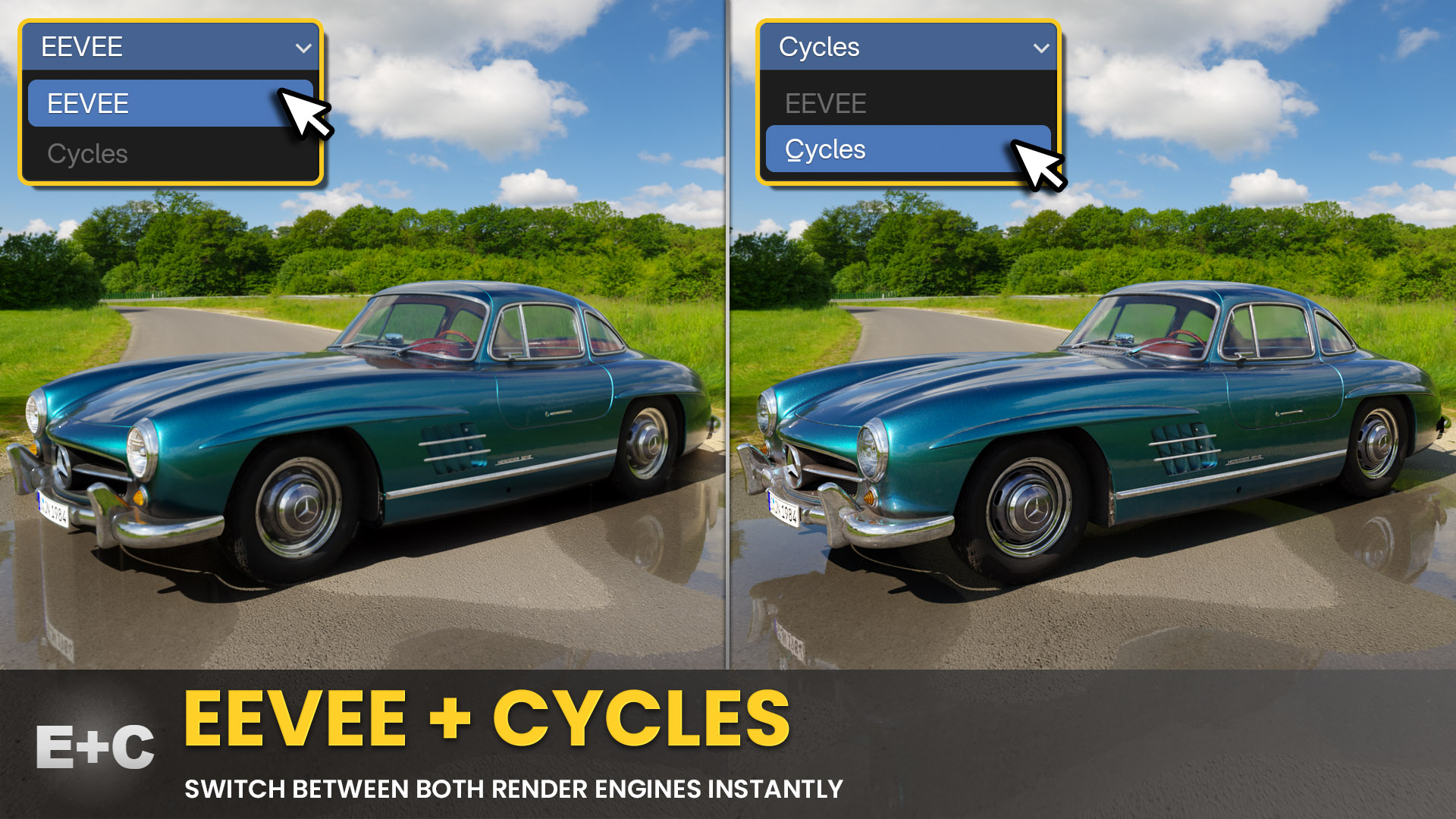
EEVEE & Cycles
Nearly identical results in both renderers. Set up in EEVEE, render in Cycles.
Realistic Shading
Reflections, roughness, and bump mapping for photoreal ground materials.
Backplate System
Composite your 3D objects into your own photos, with matched perspective.
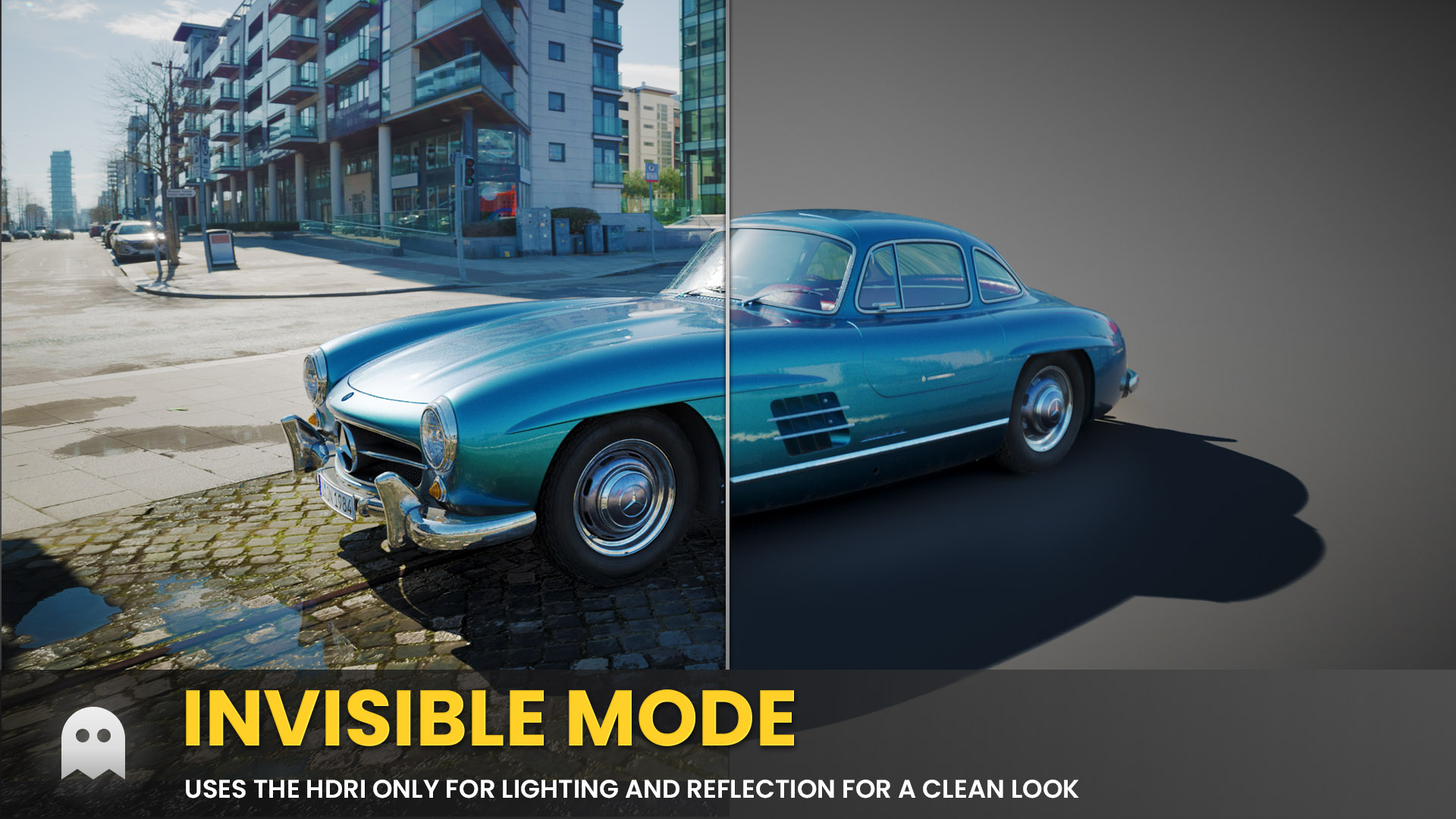
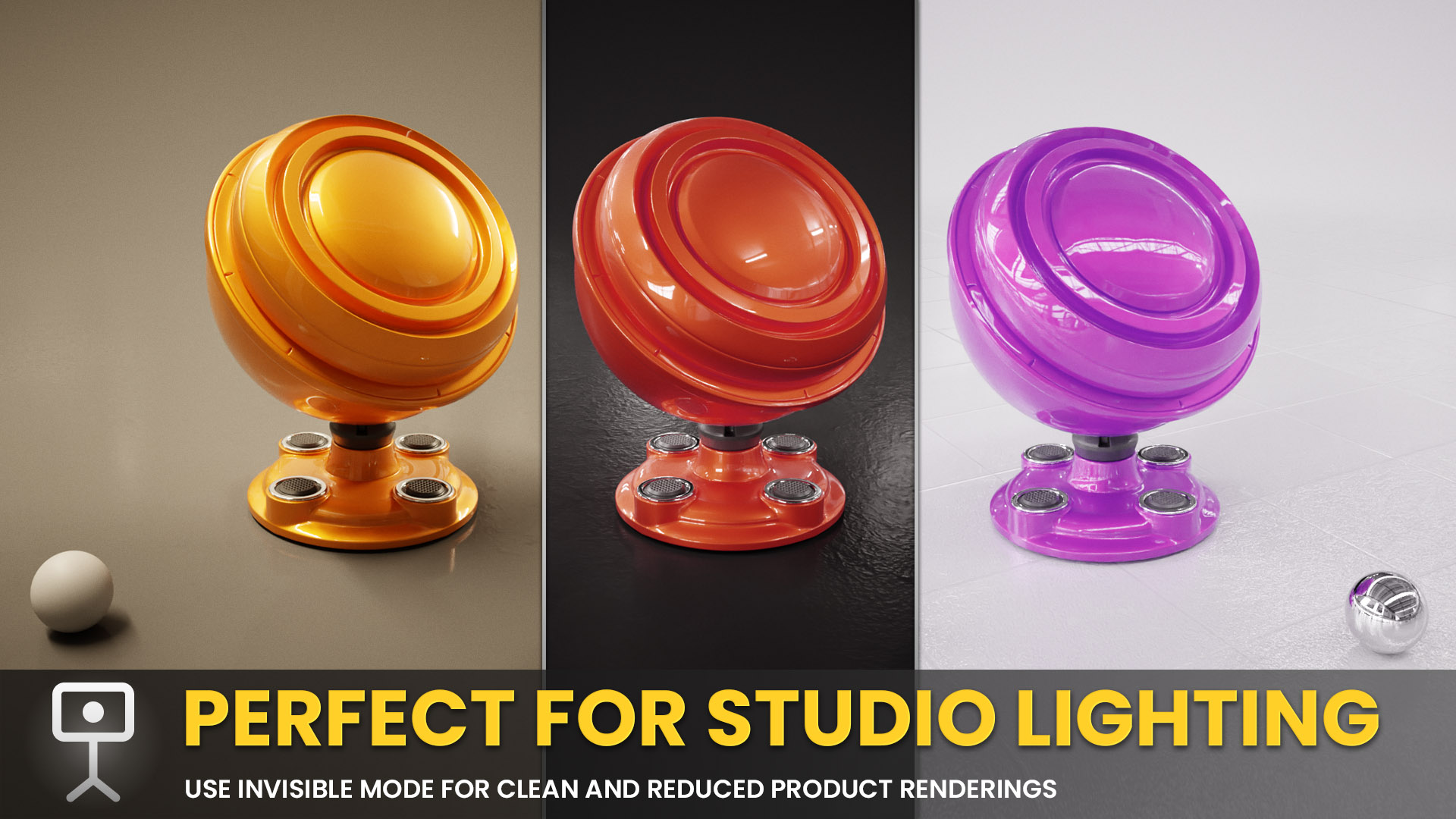
Invisible Mode
Hide the HDRI from camera while keeping its lighting effect.
Studio Lighting
Professional studio looks with clean backgrounds and controlled lighting.
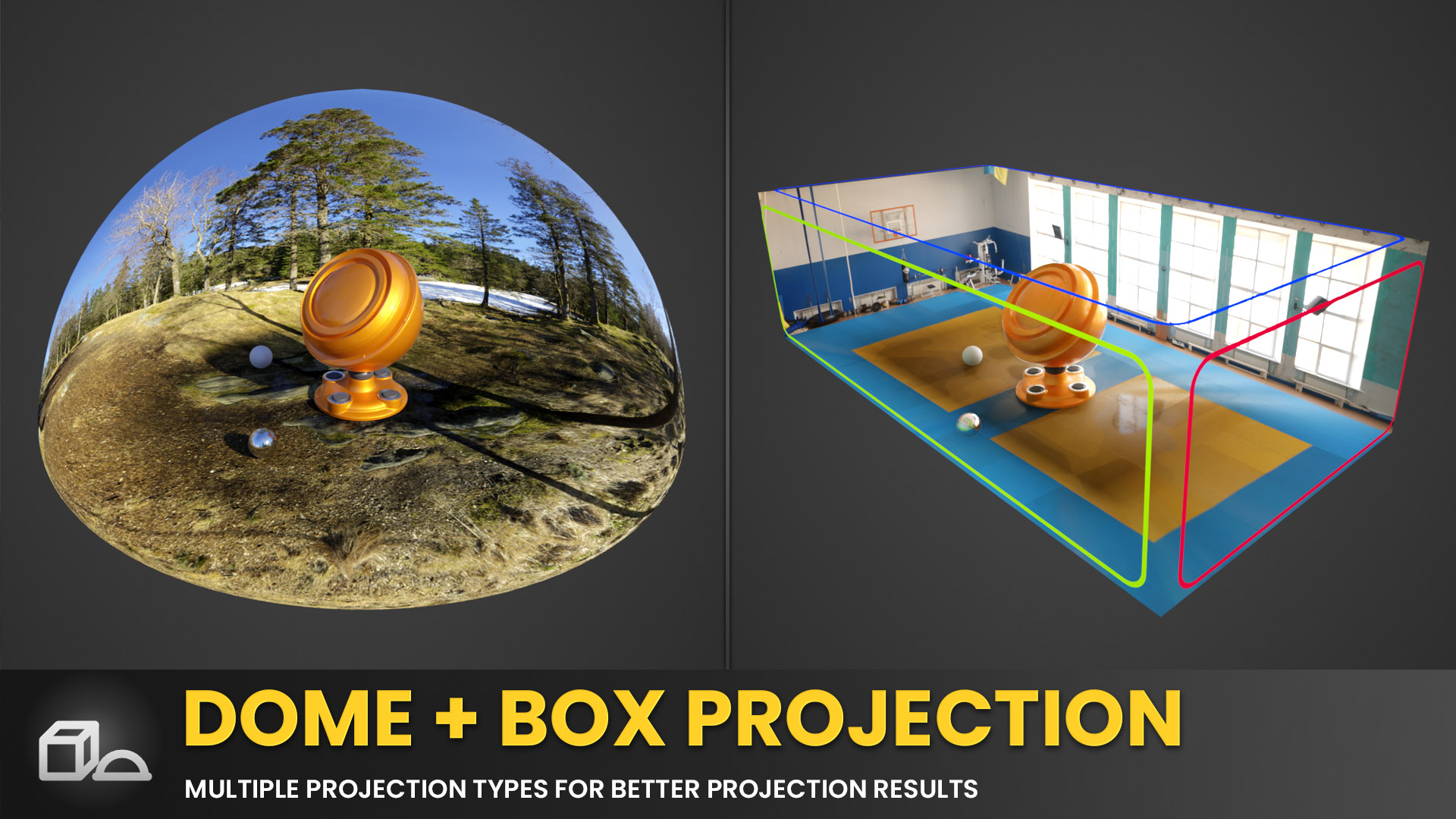
Dome & Box Projection
Switch between dome and box projection for different scene types.
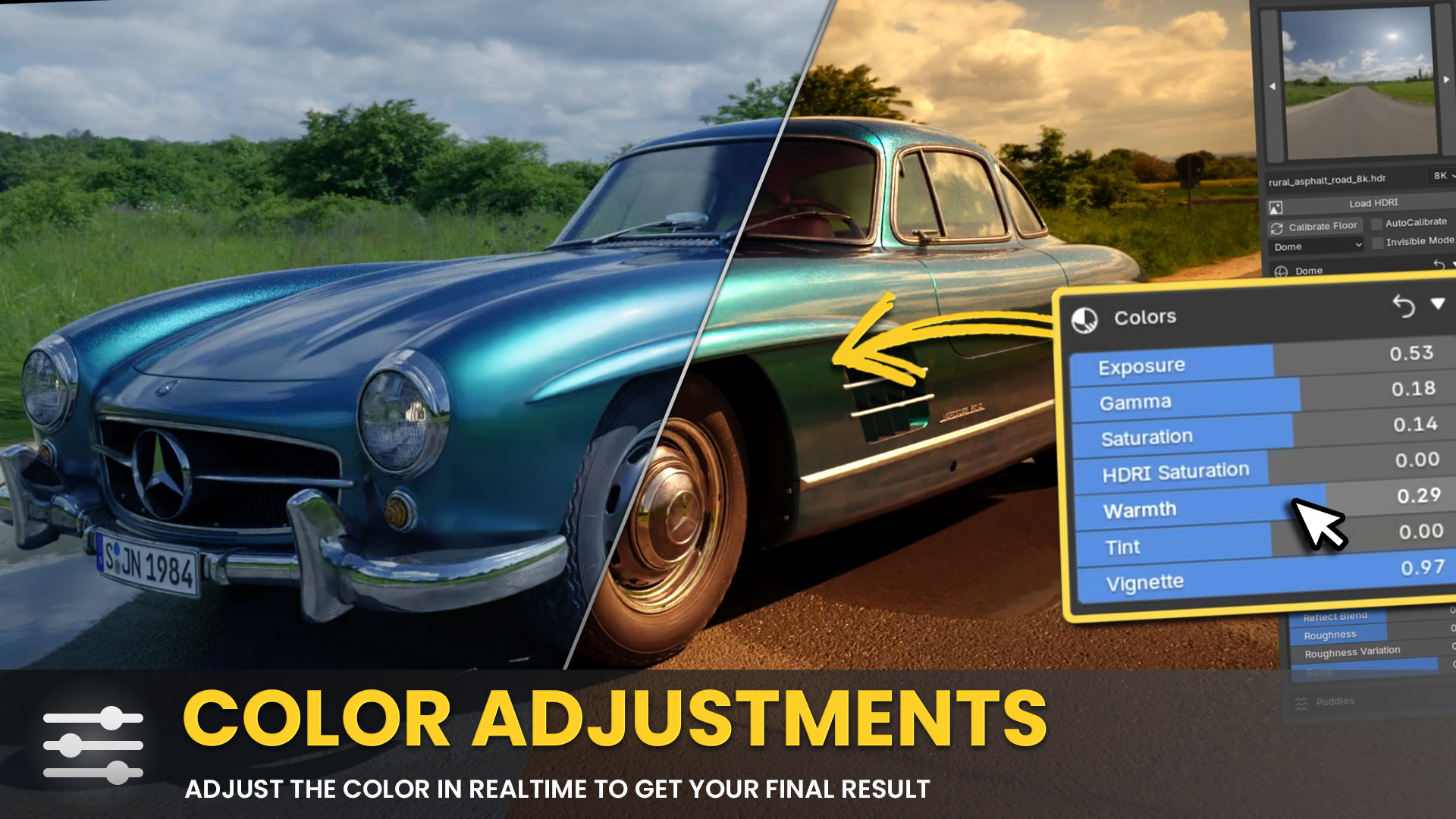
Color Adjustments
Tweak exposure, gamma, saturation, warmth, or fully desaturate the HDRI.
...and much more!
See every feature in action in the tutorial
 Included: a full tutorial video that shows every feature in action, step by step ▶ Watch itIncluded: a full tutorial video that shows every feature in action, step by step ▶ Watch it
 More Features